
If a process only works when one particular person is in the building, it isn't written down yet. Here's a method for documenting one process in an afternoon, with a free worked example you can download.

Most small businesses run on processes that live in someone's head. The office manager knows which leads to call back first, the senior estimator knows which jobs need the owner's sign-off, and when either of them is out for a week, work slows down or quietly stops.
Writing it down sounds like a big project, so it rarely happens. You don't need a binder of procedures, though. You need one process, written well enough that someone else could pick it up, and you can get a usable first draft in an afternoon.
We wrote one out end to end so you can see what the finished thing looks like: a lead-to-close process for an illustrative home services company, with every table filled in. Download the worked example (PDF). No email required.
Pick the process that costs you the most
Start with the one where things get dropped. Good candidates are the processes where a customer is waiting on you, money is changing hands, or a new hire keeps asking the same questions. Lead follow-up, customer onboarding, invoicing and job scheduling are common first picks.
Name it by where it starts and where it ends. "Sales" is too vague to document, while "a request comes in" to "the job is booked or the lead is marked lost" gives you edges you can work inside. If you can't say where a process starts and stops, you won't be able to say who owns it either.
Map every step and mark the handoffs

Write the steps in order. For each one, note who does it, what starts it, what it produces, where that output goes next, and which system holds it (the CRM, a shared inbox, a spreadsheet, someone's phone).
Pay the most attention to handoffs, the moments work passes from one person to another, because that's where work goes missing: each side assumes the other has it. In our worked example, the estimate goes out and then sits, since the estimators think the office follows up and the office thinks the estimators do.
Give every step exactly one owner
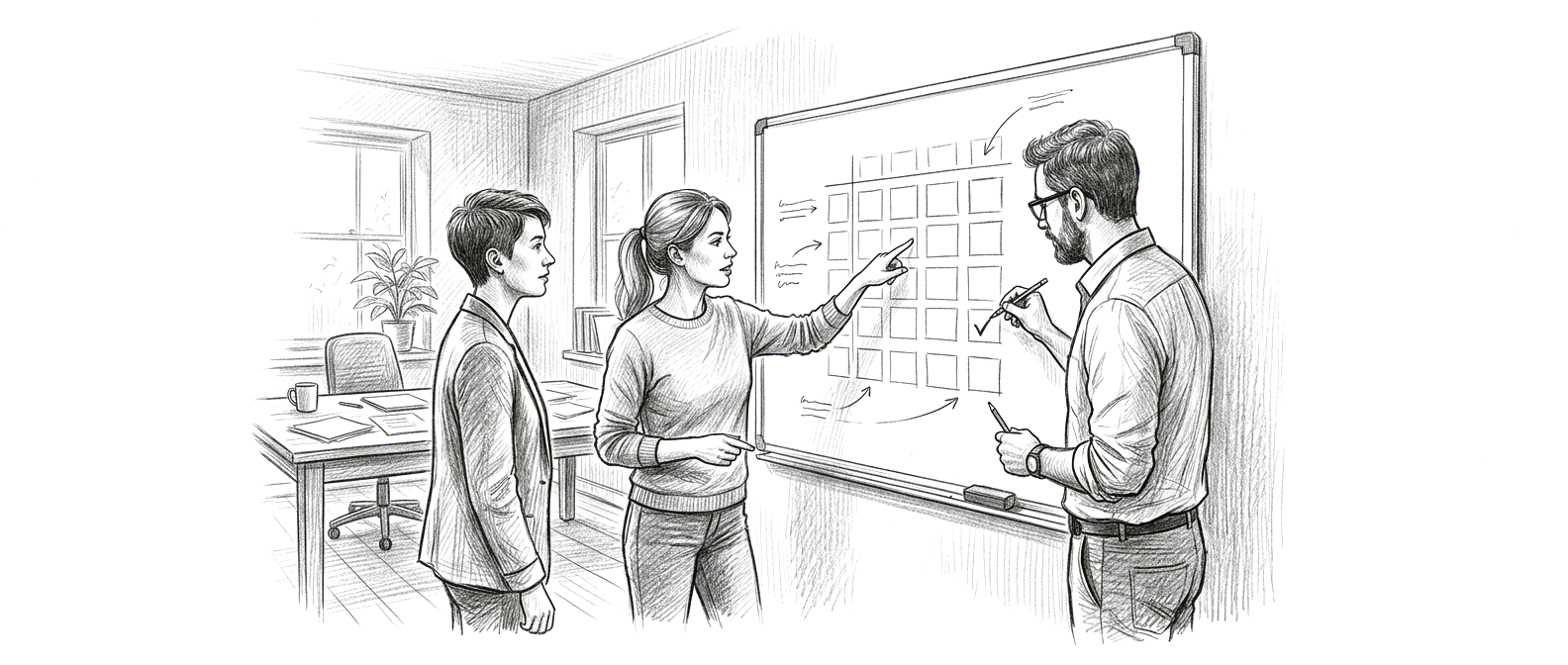
Next, build a simple ownership matrix. For each step, write down who does the work, who has to approve it, who should be asked before it happens, and who only needs to be told afterward.
The rule that makes this useful is one owner per step. When you find a step with nobody in the "does the work" column, or with three names in it, you've found the reason things get dropped, and you should mark it as unresolved instead of guessing. Fixing it usually takes a decision from the owner of the business, and no new software.
A process is runnable when someone new can answer three questions at any step: who owns this, what happens next, and what do I do when it goes wrong.
Write down what goes wrong

Every process has a normal path and a set of cases that break it: the customer who goes quiet, the request that's missing information, the approval that stalls because the approver is on vacation. Most documentation skips these, and they're exactly the moments a new person needs help with.
List the exceptions you already know about. For each one, write how it should be handled and who it goes to when it can't be handled. Five good exceptions are worth more than twenty pages describing the normal path.
Plan three changes for the next 30 days
Once the process is on paper, the problems are usually obvious. Resist fixing all of them. Pick the three changes that would make the biggest difference, put them in order, and give each one an owner, a date, and a way to tell whether it worked. "Every open estimate has a follow-up date and an owner" is something you can check, which makes it a better goal than "improve follow-up."
Keep a list of what you don't know
Your first draft will have gaps. Maybe nobody is sure whether the approval threshold is a real rule or a habit, or which system is the true record of a customer's status. Write those down as open questions and take them to the people who do the work. A draft that admits what it doesn't know gets corrected, and one that papers over the gaps gets ignored.
Using AI to speed this up
An AI assistant like Claude or ChatGPT is good at the slow part: turning your rough description into clean tables and pointing out steps with no owner, but it can't know your business, so treat what it produces as a draft for the people who run the process to correct. Never let it fill in a fact you didn't give it.
Every Revuity AI Operating Environment, including the Starter tier, comes with a Process Documentation skill that walks your team through this exact method inside Claude or ChatGPT, using your own processes and flagging anything it can't confirm as an open question.
When you'd rather have Revuity lead the setup against an agreed written scope, that's Custom.
Either way, the first process is the hardest one to write down. After that, your team knows what a finished one looks like, and the second one goes faster.
Set up your own operating environment.
Starter is $299, bought online, with no sales call.