
One place for your team's AI work.
Revuity AI Workspace is our own workspace for organizations that would rather not run their AI through consumer chat apps. Projects, instructions, knowledge and conversations sit in one governed place, and you bring your own AI model keys.
Waiting list open. Sign-up is not open yet.
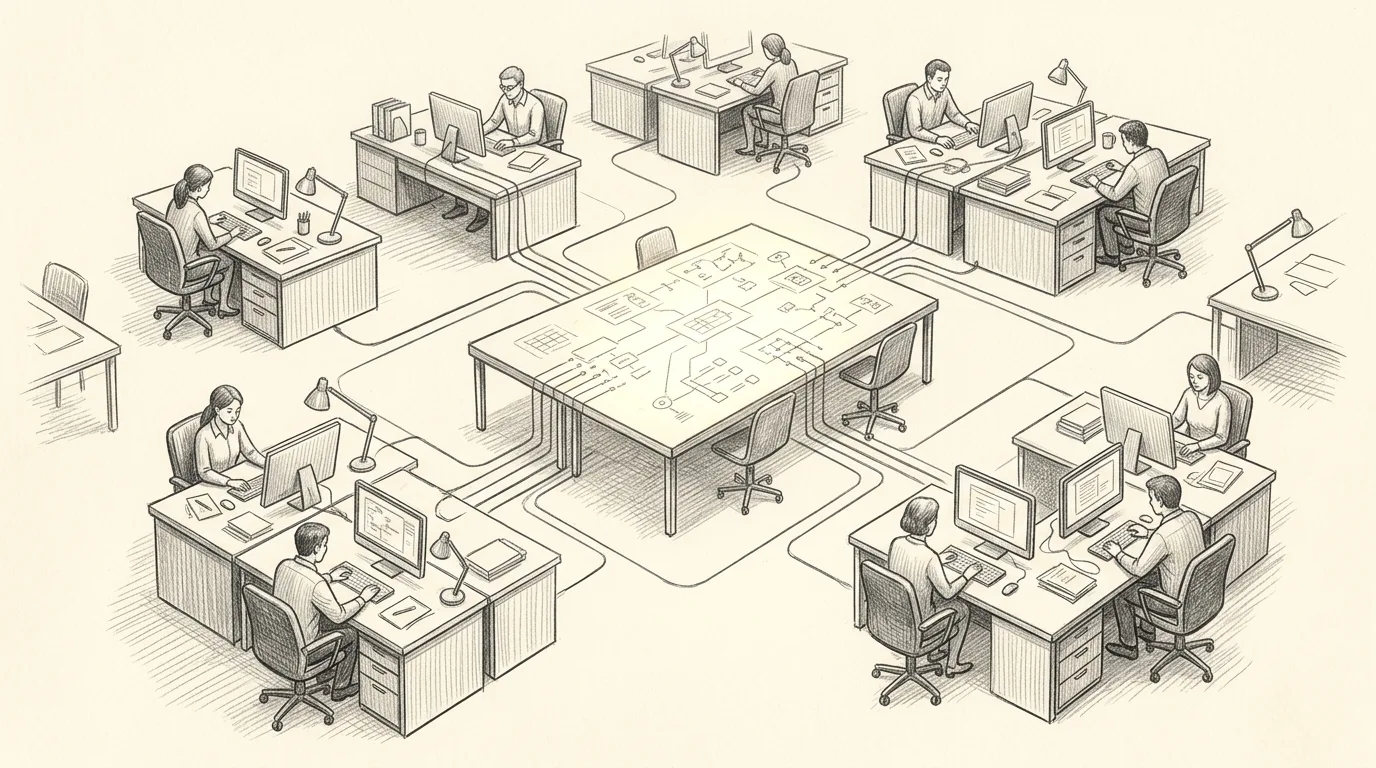
AI work ends up scattered across personal accounts.
When each person uses their own chat account, the instructions, files and answers that matter live in private histories, and nobody owns the settings.
New hires start from nothing, a good prompt stays with the person who wrote it, and nobody can say which model saw which document.
A shared workspace gives the organization one place for its projects, its knowledge and its rules, with owners who decide who can see and change what.
The aim is one governed workspace for the whole team.
Built for small organizations.
One organization, 5 users and 10 industry templates, on a simple monthly or annual price.
Industry templates
- Nonprofit
- Medical Practice
- Law Firm
- Accounting & Finance
- Real Estate
- Education
- Professional Services
- Construction
- Logistics
- Other
$49per month
Or $490 a year, which saves $98 against twelve monthly payments.
- 1 organization with 5 users, including the owner
- Projects and conversations with no fixed cap, under fair use
- 2 GB of document storage per organization
- Up to 25 files per project, 10 MB each (PDF, DOCX, TXT, MD, subject to final checks)
- All 10 industry templates, at no extra charge
- Self-service guidance and email support, with a first human reply within 2 business days
Not open for sign-up yet. Join the waiting list and we will write when it opens. Your AI provider bills you directly for model usage.
Four steps from sign-up to shared work.
Set up your organization
Create the organization and start from the industry template that fits your field.
Connect your AI model keys
An owner or administrator adds the provider keys. They are designed to sit in secure storage and never be shown back to users.
Invite your team
Add up to 5 users, including the owner, and give each person a role: owner or administrator, member, or viewer.
Work in shared projects
Teams work in projects that carry their own instructions and knowledge, using the models the owner approved for each project.
- You pay your AI provider directly for model usage, and the provider's bill is the authority on cost.
- You can cancel at any time, and access continues through the term you paid for.
- After access ends, recoverable workspace data is kept for 90 days and you can reactivate in that time.
Click through a sample workspace.
This is the workspace interface running on sample data, so you can look around without signing in. The answers are scripted, nothing you type is saved or sent anywhere, and the real AI provider connections are not part of the demo.
Easier on a small screen? Open the demo in its own tab.

Give the whole team the same starting point.
In AI Workspace, an organization's knowledge, project instructions and conversations are meant to live in one place, so a new person starts from what the team already knows.
Documents added to a project are designed to become the material that project's AI answers from, within the permissions the project sets.
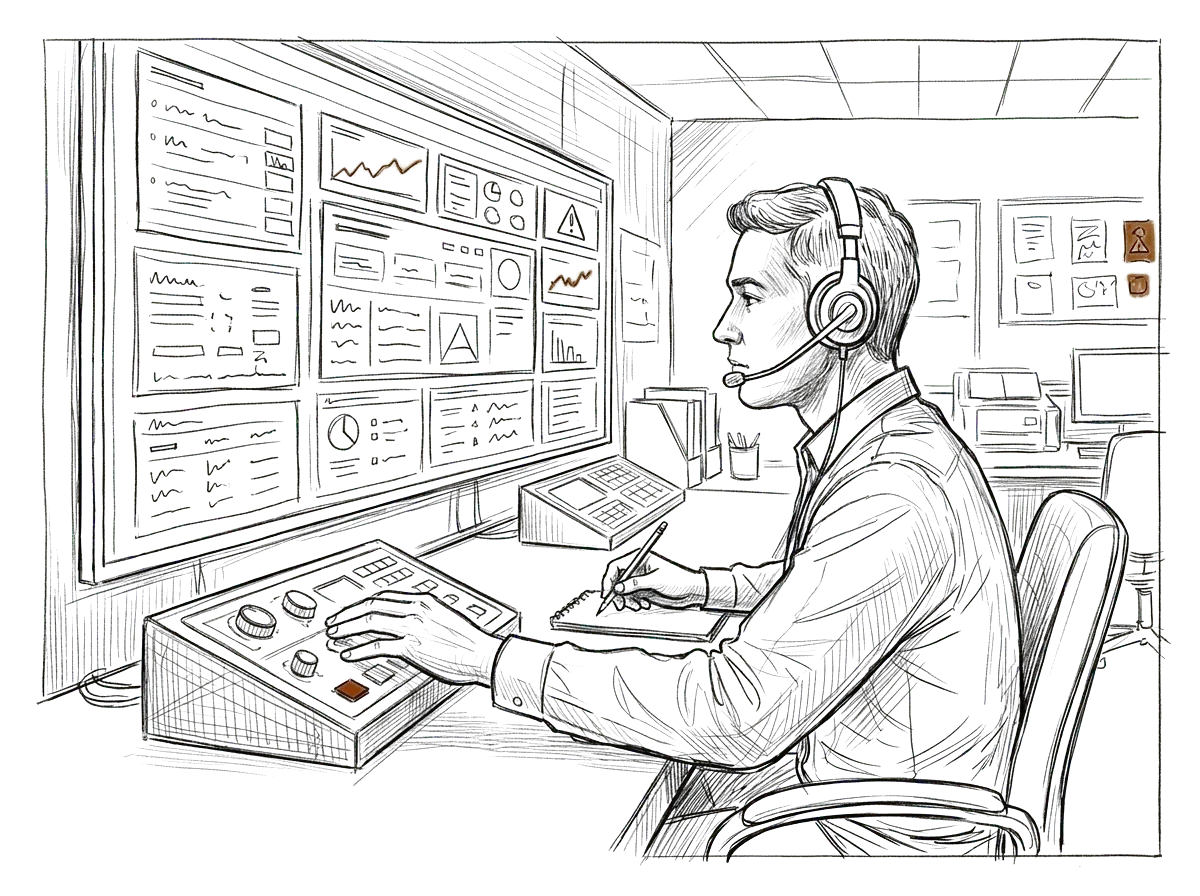
Decide who can see, change and use what.
Owners and administrators set project-level view and edit rights and choose the AI models each project may use. People pick from the approved list without ever seeing a provider key.
Those rules are meant to be enforced on the server, in the places where documents, search and model requests are handled, and not only in the screen the person is looking at.
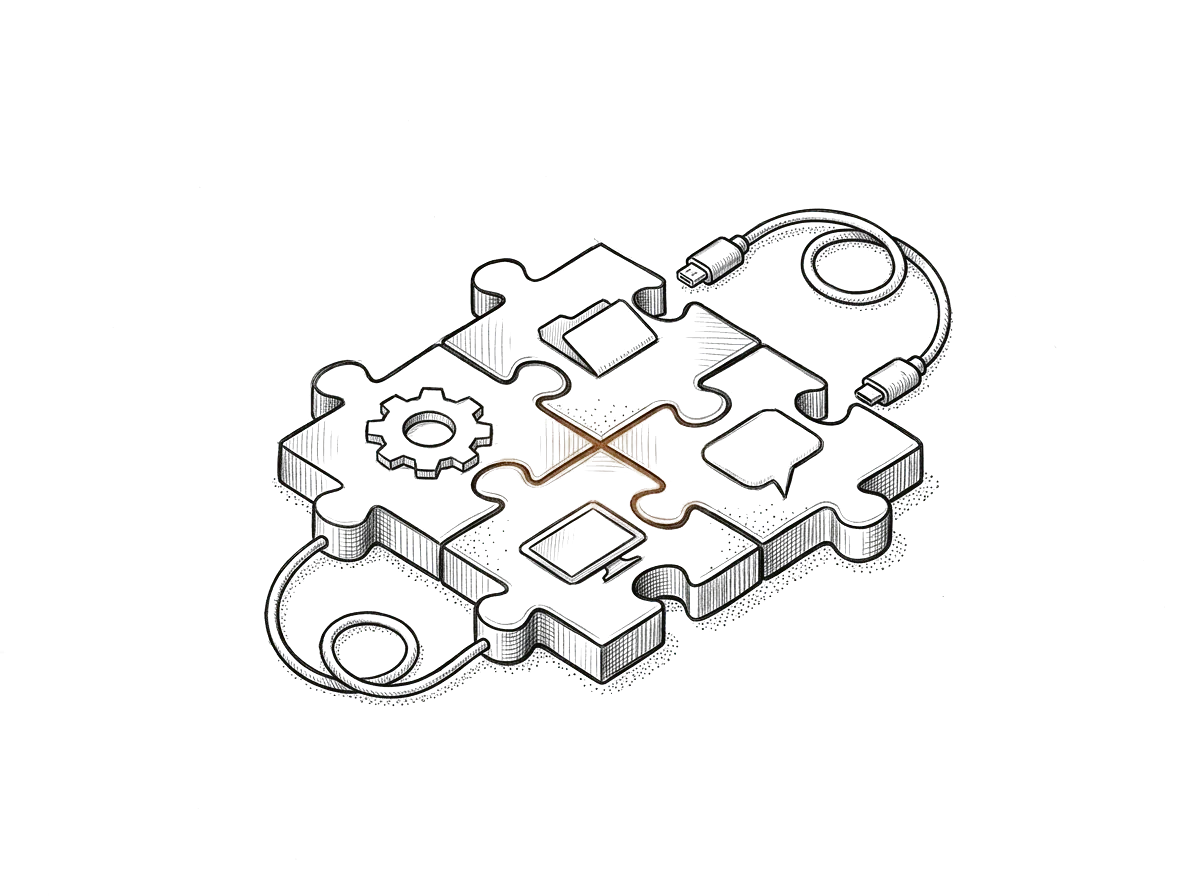
Bring the models you already pay for.
You connect your own OpenAI or Anthropic keys, so usage is billed to you by the provider and the provider's bill is the authority on what you spent.
Spending visibility by project and model is planned for the workspace. It will be an estimate, and it will not be a spending cap.
Start from your field, not a blank page.
Ten templates give a new workspace its first projects, instructions, categories and suggested actions for a field such as nonprofit, medical practice, law, accounting or construction.
A template is a starting point you can change, and it carries no promise of professional or regulatory compliance. Applying more templates after setup is planned, with a preview and a confirmation before anything changes.

Everything a team needs to work from one place.

Each project has its own instructions, documents and conversations, so the work for one client or one team stays together.

Standing instructions tell the AI how your organization works, and they apply to everyone using the project.
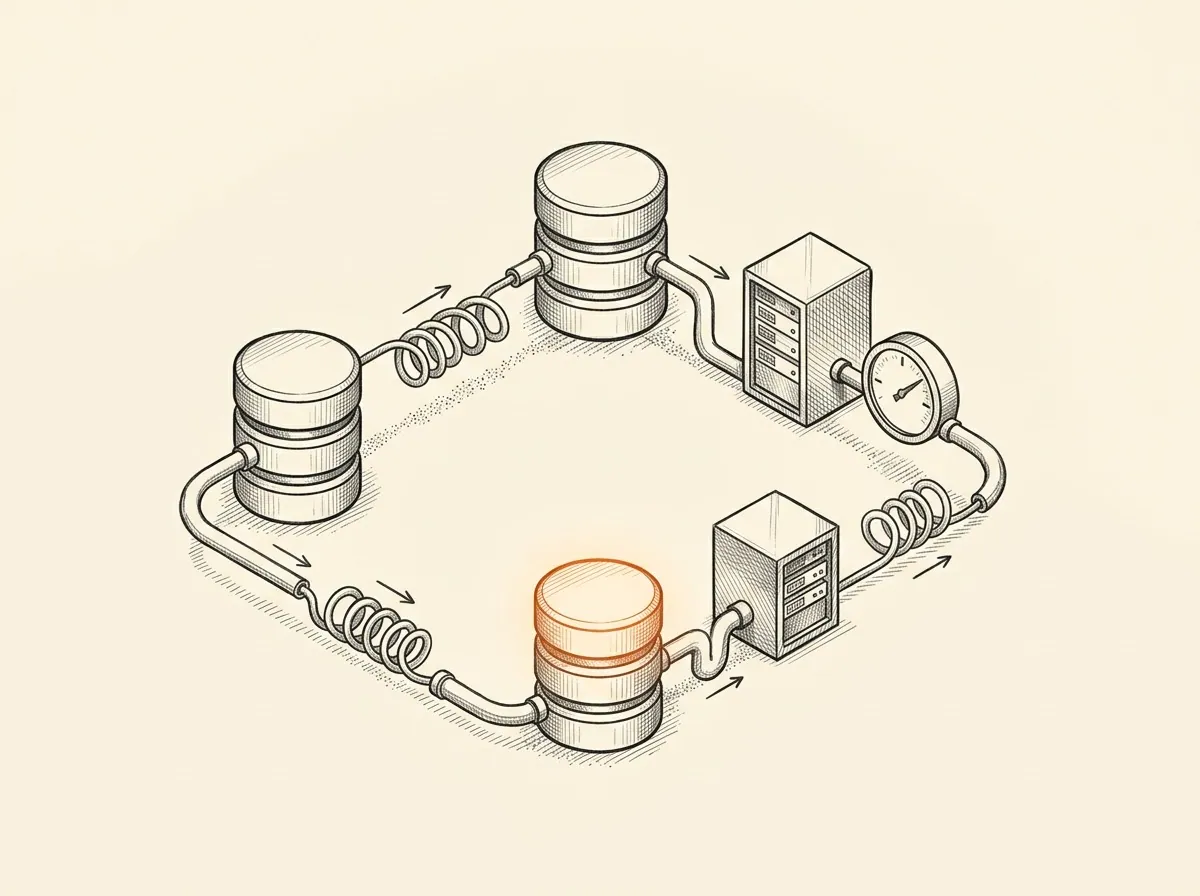
Add PDF, DOCX, TXT, MD files, up to 25 per project and 10 MB each, for the project to draw on.
Owners and administrators are designed to manage keys and set who can view and edit each project, with members and viewers working within those limits.
OpenAI and Anthropic connections come first. Private and locally run models are planned for a later release.
Documents, instructions and conversations are designed to belong to your organization and stay separated from every other customer.
Start from the business, then pick the model.
AI Workspace is one way to work. Revuity stays platform-neutral, and Starter and Colleague work inside the Claude or ChatGPT account you already use.
OpenAIAnthropic
What a week could look like.
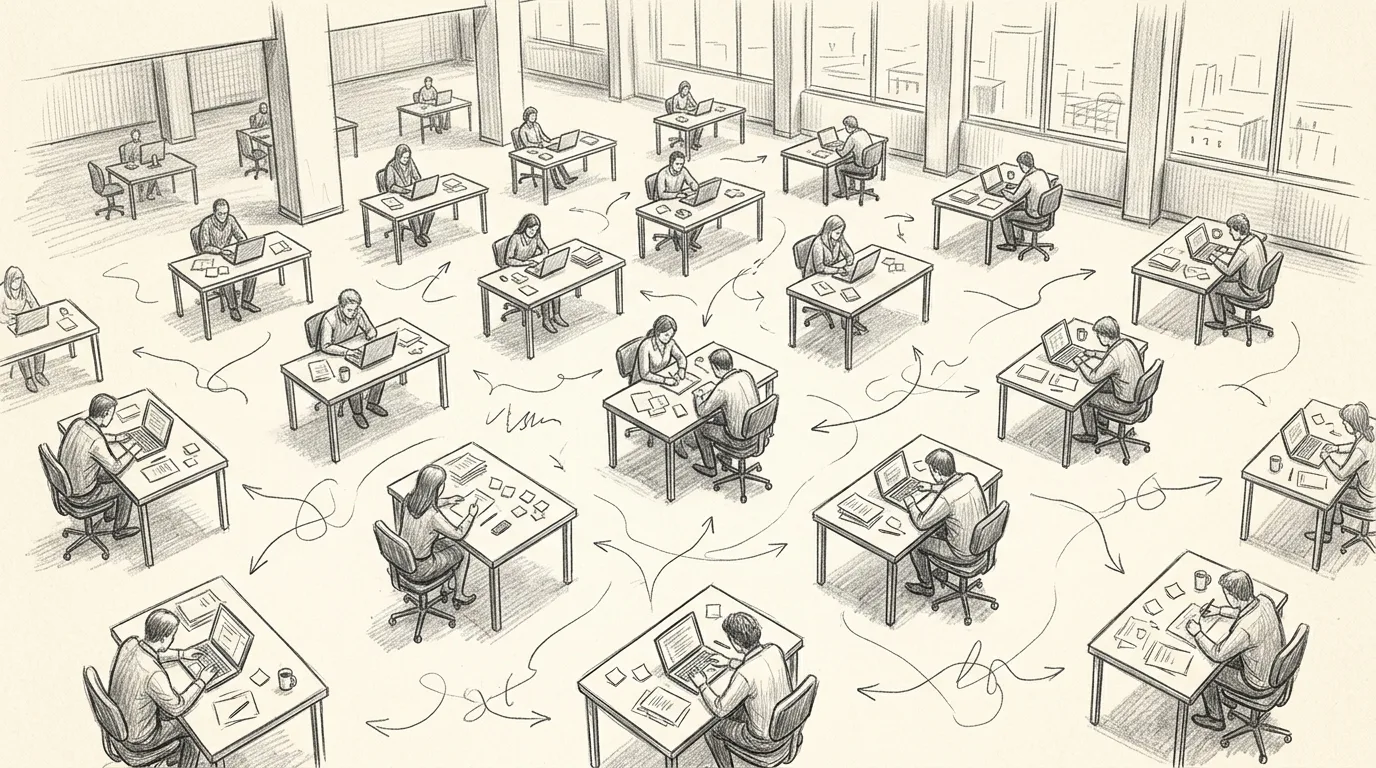
A five-person accounting firm stops running its AI from personal accounts.
This is an illustration of the intended use, written to show the shape of the product. It is not a customer story, and it reports no results.
The firm starts from the Accounting & Finance template. The owner adds the firm's OpenAI key, creates one project per client, and writes standing instructions for how the firm documents its work.
Staff add engagement letters and prior-year files to the right project, and everyone works from the same instructions and the same documents, within the rights the owner set. When someone leaves the firm, the work stays in the project.
Want an environment you can use today?
AI Workspace is not open yet. These are open now, and each one builds an AI Operating Environment around how your business runs.
Starter
$299
one time, or over 12 months
Answer a guided interview and get an environment package you set up yourself in the Claude or ChatGPT account you already use.
- Guided interview and generated environment package
- Written setup steps for Claude or ChatGPT
- Email support while you set it up
Teams
$499
A standardized, self-service environment written for a team: role guidance, shared workflow instructions, decision boundaries, and documented setup. Includes 12 months of email support.
- Self-service, written for a team
- 12 months of email support
Done-for-You
From $1,199
Revuity leads a bounded setup against an agreed written scope and acceptance checklist, for 1 operation. Includes 12 months of email support.
- Revuity-led setup against an agreed written scope
- Operating design for 1 operation
- 12 months of email support from launch
Join the waiting list.
AI Workspace is not open for sign-up yet. Tell us where to reach you and we will write when it opens. We use your details for that and nothing else.
Tell us where your team's AI work lives today.
AI Workspace is not open for sign-up yet. Join the waiting list and we will write when it opens.