
AI built around your business, so the team can actually rely on it.
Starter is the self-serve AI Operating Environment from Revuity Systems. You answer a guided interview, we generate your environment, and written instructions walk you through setting it up in Claude or ChatGPT. No call needed.
 OpenAI Select Partner
 Claude Code Partner
You have AI. What's missing is the environment around it.
The tools are there, but everyone uses them a little differently. People rebuild the same context each morning, the good prompts disappear into someone's chat history, and important knowledge sits in individual accounts, so AI ends up next to the work instead of inside it.
It's a strange middle ground: the business is paying for the technology and still doing most of the work the old way.
Start with Starter.
One price covers everything you need to set it up yourself, with email support until it's running.
What it sets up
- Workflows
- Information
- Decisions
- People and roles
- Controls
$299one-time
or $328.90 total ($27.41/mo) on the 12-month plan
- The guided interview
- Your generated AI Operating Environment package
- Written setup instructions for Claude or ChatGPT
- Email support while you set it up
- Correction of product defects
Bought online, with no sales call.
Three steps, no call.
Answer the guided interview
Answer questions about how your work runs, one at a time. There is nothing to prepare.
Revuity Systems generates your environment
Your answers become your environment package: operating instructions, roles, skills, and workflows matched to how you work.
Set it up in Claude or ChatGPT
Written instructions say where each piece goes and what to paste, so you can set it up in your own account.
- Email support while you set it up, with a reply within 2 business days.
- A full refund if you cancel before your environment generation begins.
- Not included: custom changes, redesign, calls or consulting, integrations, or managed services.

Give AI the context of your business.
A better environment starts by teaching the system how your business actually works: the standards you hold, the process you follow, the words your team uses, the files you rely on, and the work that comes around every week.
Then a conversation doesn't start from zero: the environment already understands the context around the task, so there's less explaining, less rebuilding, and less depending on whoever happens to be best at prompting.
Turn good AI use into a repeatable way of working.
Once the context is in place, we turn recurring work into reusable skills, templates, and workflows. Something one person figured out on a Tuesday becomes something the whole team can use on Wednesday. Nobody has to get better at prompting, the good work just becomes easier to repeat.
Shared standards
People work from the same instructions, skills, and templates.
Persistent context
The environment carries the information the work needs.
Repeatable workflows
Recurring tasks stop being reinvented every time.
Connect AI to the places where the real work happens.
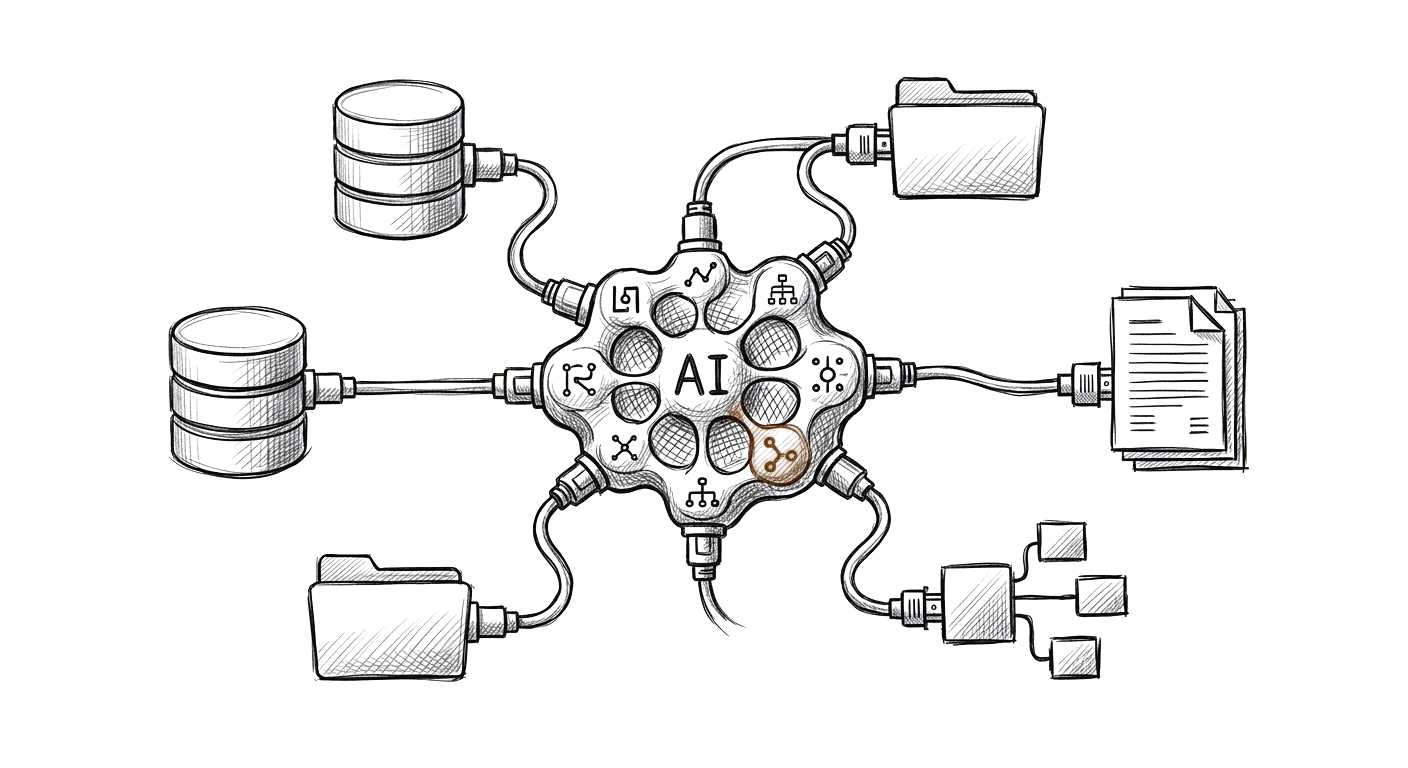
Sooner or later an environment has to move beyond conversation, and it may need your documents, databases, business systems, internal tools, or live operational data, which is where connectors, MCP (the standard that lets AI tools plug into your other systems), integrations, and data infrastructure come in. Those are scoped separately, because Starter and Teams stay inside the Claude or ChatGPT account you already have.
At that point nobody has to copy and paste information into a chat window, because the environment works with the systems your business already runs on.
Make the environment dependable.
The more useful AI becomes in the operation, the more it matters that everyone knows how it's allowed to work. Where the agreed scope includes recurring work, we define what starts it, who owns it, what information it can use, when someone reviews it, and how completion is checked. That design work is part of a Custom scope.
Who can use what.
What the AI is allowed to do.
Where a person needs to review something.
What information it can access.
How outputs are checked.
How the environment changes over time.
A good environment is one your team can understand, govern, and trust on an ordinary Monday.
The work starts to feel different.

People spend less time recreating context.

Knowledge gets reused instead of rediscovered.

Recurring work moves faster.

Outputs look the same no matter who produced them.

AI becomes part of how the operation runs.
The work decides which model belongs in the environment.
OpenAI, Claude, Gemini, Microsoft, or a mix of them: we design the environment around the work, then use the models that fit it best. Starter and Teams are set up in Claude or ChatGPT, and Custom chooses the model with you.
OpenAIClaudeGeminiMicrosoft
Start light, and add only what the work requires.

Reusable procedures for recurring work.

Starting points that already carry the right context and standards.
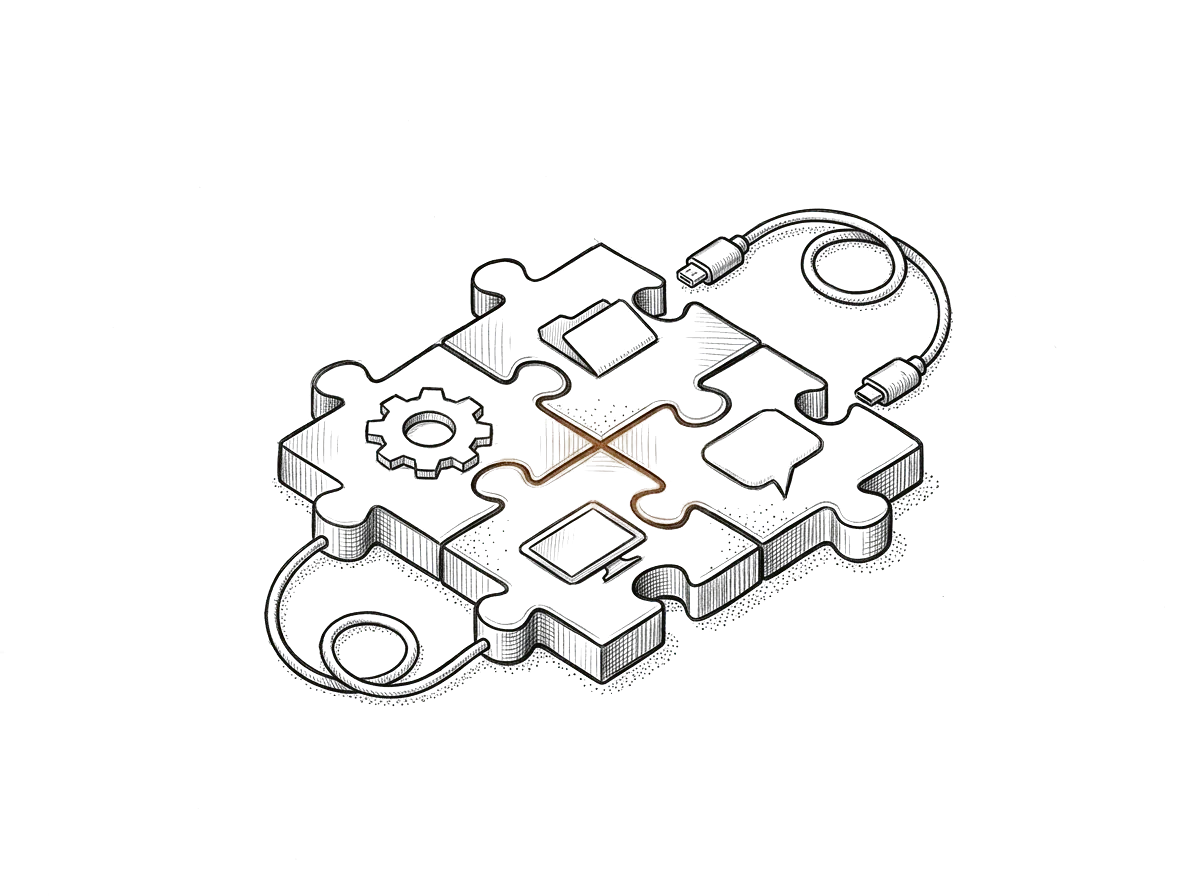
Links between the environment and the tools your business already uses.
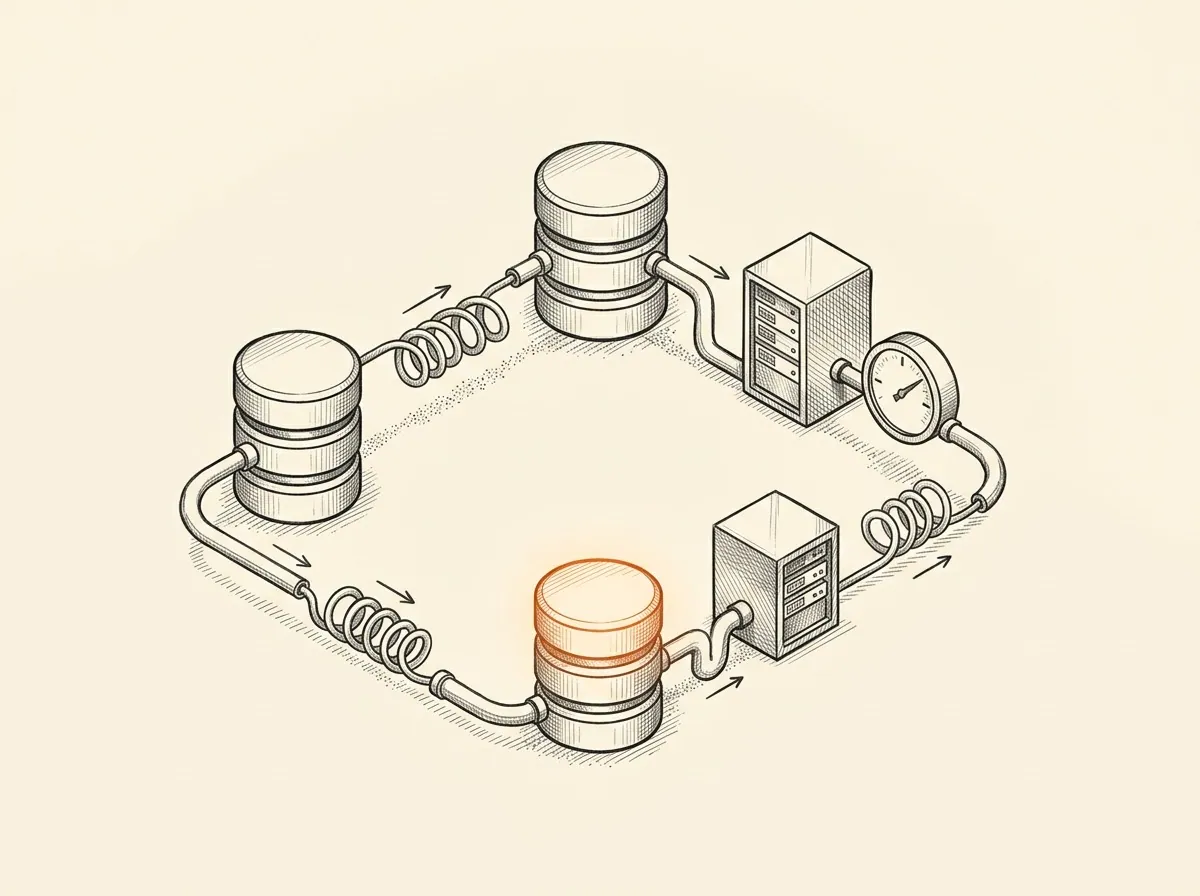
The infrastructure the environment needs when it works with live or structured information.

Purpose-built tools for when the work needs something more specific.
From scattered productions to one system.

Independent Film & TV Production Company
An independent film and TV production company ran every production as its own improvised effort. Scheduling, crew and vendor coordination, budgets, and deliverables lived across email, spreadsheets, and group texts, and all of it got rebuilt from scratch each time. The people were capable, there was just no structure that carried over. Revuity Systems mapped how a production actually moves from pre-production through wrap, then designed and built the operating environment with their team, so the structure carries from one production to the next.
They came back to work with Revuity Systems again after the first build.
Need more than Starter?
Teams and Custom are the two upgrades, for when you want more than Starter. Both include 12 months of email support. Each is bought at its full price.
Teams
$499
You want the whole team working from the same rules. Teams is the same guided interview and generation as Starter, written for a team: role and responsibility guidance, shared workflow instructions, decision boundaries, and documented setup. It is self-service, with no calls or co-build.
- Role and responsibility guidance
- Shared workflow instructions
- Decision boundaries
- Documented setup
Custom
From $1,199
or From $1,318.90 total (from $109.91/mo) on the 12-month plan
You want Revuity Systems to lead the setup. We work to an agreed written scope and acceptance checklist, design the environment for 1 operation, implement it, and validate it against real work before handing it over.
- Agreed written scope and acceptance checklist
- Design for 1 operation
- Implementation
- Validation against the checklist
- 12 months of email support
Custom starts with a written intake form, not a call, and it includes the operating design for 1 operation. Scope and price are confirmed in writing before you buy. Complex integrations, custom software, multi-department expansion and ongoing operation are a separate quote.
Support (Teams and Custom)
12 months of support from launch, by email only: answers to questions and correction of defects, with a reply within 2 business days.
New features, changes, or new builds are a new purchase. Support includes no monitoring, operation, or managed service.
Starter and Teams: who the environment is for.
Both use the same self-service delivery model and the same generated environment. Teams adds organizational structure, so more than one person can work from shared instructions, responsibilities and decision boundaries.
$299
One-time purchase
Build your AI operating environment around how you work.
For an individual operator or a single operating context. Establishes the instructions, knowledge and workflows needed to work more consistently with AI.
A team can use Starter too. Teams adds the written structure for who does what.
$499
One-time purchase
Give your team a shared AI operating environment with clear roles, workflows, and decision boundaries.
For teams that need a shared operating structure. Adds team roles, responsibility guidance, shared workflows and documented decision boundaries.
Included in both
- Guided interview
- Generated environment package
- Operating instructions
- Reusable skills and workflows
- Written Claude and ChatGPT setup
- Self-service, with no required calls
- No custom integrations and no ongoing operation of your systems
What the extra $200 buys.
A more structured team operating design, not more documents and not a multi-user software platform.
- Primary purpose
- StarterOrganize AI around an operating context
- TeamsOrganize AI around a team
- Roles
- StarterGeneral operating instructions
- TeamsDefined team roles and responsibility guidance
- Workflows
- StarterReusable individual workflows
- TeamsShared workflows with team responsibilities
- Decisions
- StarterGeneral instructions and standards
- TeamsDocumented decision boundaries
- Coordination
- StarterHelps one operator work consistently
- TeamsHelps several people follow common procedures
- Setup
- StarterYou set it up in your own account
- TeamsYou set it up in your own account
- Revuity-led implementation
- StarterNot included
- TeamsNot included
A five-person nonprofit.
Suppose a five-person nonprofit buys an AI Operating Environment. With Starter, it could generate reporting workflows, instructions for drafting program updates, and templates for operational documents. An individual operator sets up and uses those resources.
With Teams, those same workflows can be structured around responsibilities:
- A program coordinator prepares the reporting inputs.
- A program manager reviews the information.
- A finance lead checks the financial figures.
- An executive director approves the final report.
Teams documents these responsibilities and decision boundaries. It does not automatically create separate AI accounts, synchronize users, enforce permissions, or carry out approvals across systems.
Payment and support.
- Payment
- StarterPay in full, or $328.90 over 12 months
- TeamsPay in full
- Email support
- Starter12 months: written setup guidance and product-defect reports
- Teams12 months: questions about using and setting up your environment, and defect reports
- First reply
- StarterWithin 2 business days for an eligible defect report, with no guaranteed resolution time
- TeamsWithin 2 business days
- New features or custom development
- StarterNot included
- TeamsNot included
Want Revuity to lead the setup instead? That is Custom, described above.
Start with Starter, move up when you need more.
Starter is $299, bought online, with no sales call.