
From scattered systems and manual work to an AI operating environment built around your practice.

The practice has the tools, and the work still depends on people stitching them together.
Scheduling lives in one system and patient messages in another. Policies and procedures sit in shared folders, and billing has its own workflow. Staff keep the whole thing moving by remembering what to check, who to ask, and where to look.
Adding AI on top of that won't make the practice easier to run by itself. The environment has to be built around the way the practice actually works.
Three areas where an AI operating environment can take real weight off the team.
We start with the operation. The model comes later.
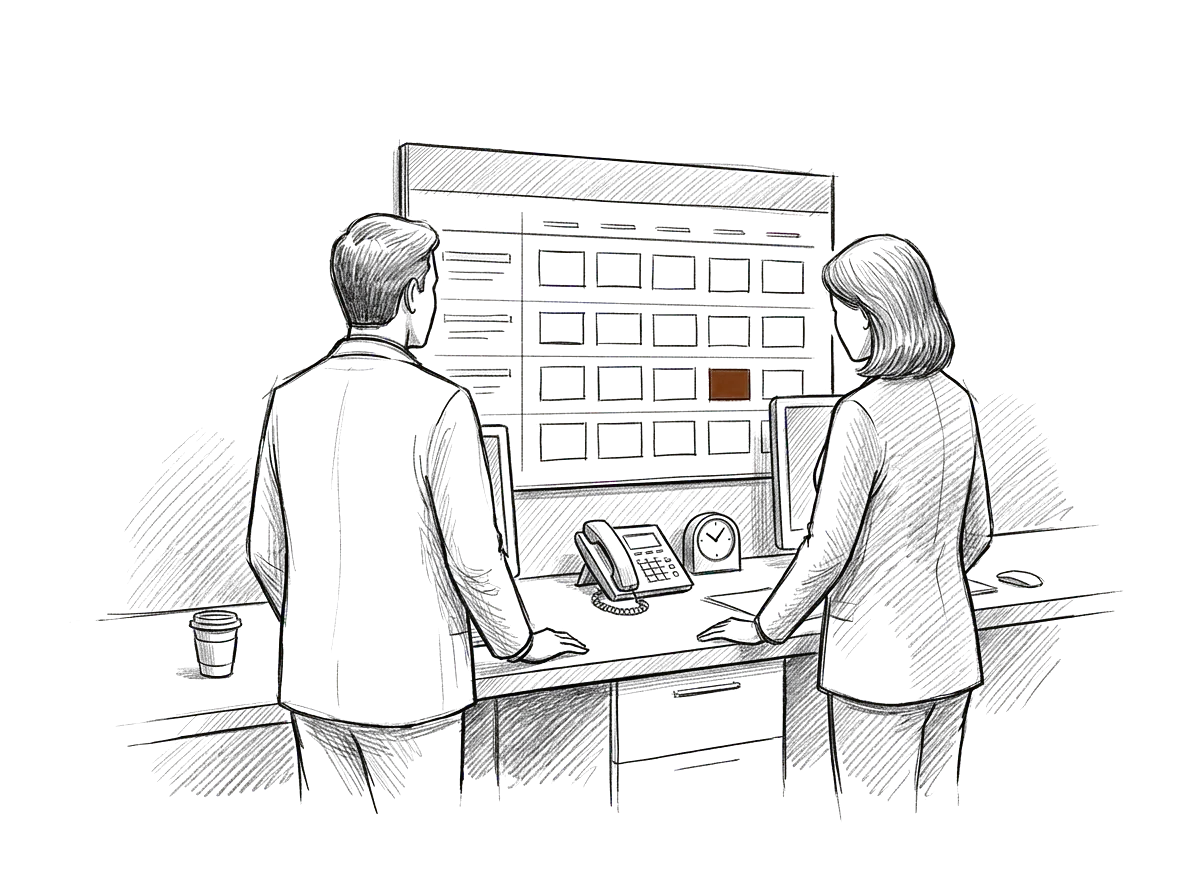
Give the front office a better way to handle recurring work.
Scheduling questions, cancellations, waitlists, intake follow-up, appointment preparation, and internal handoffs create a constant stream of small tasks.
A well-designed environment can help staff find the right information, follow the right process, prepare communications, and handle recurring work more consistently.
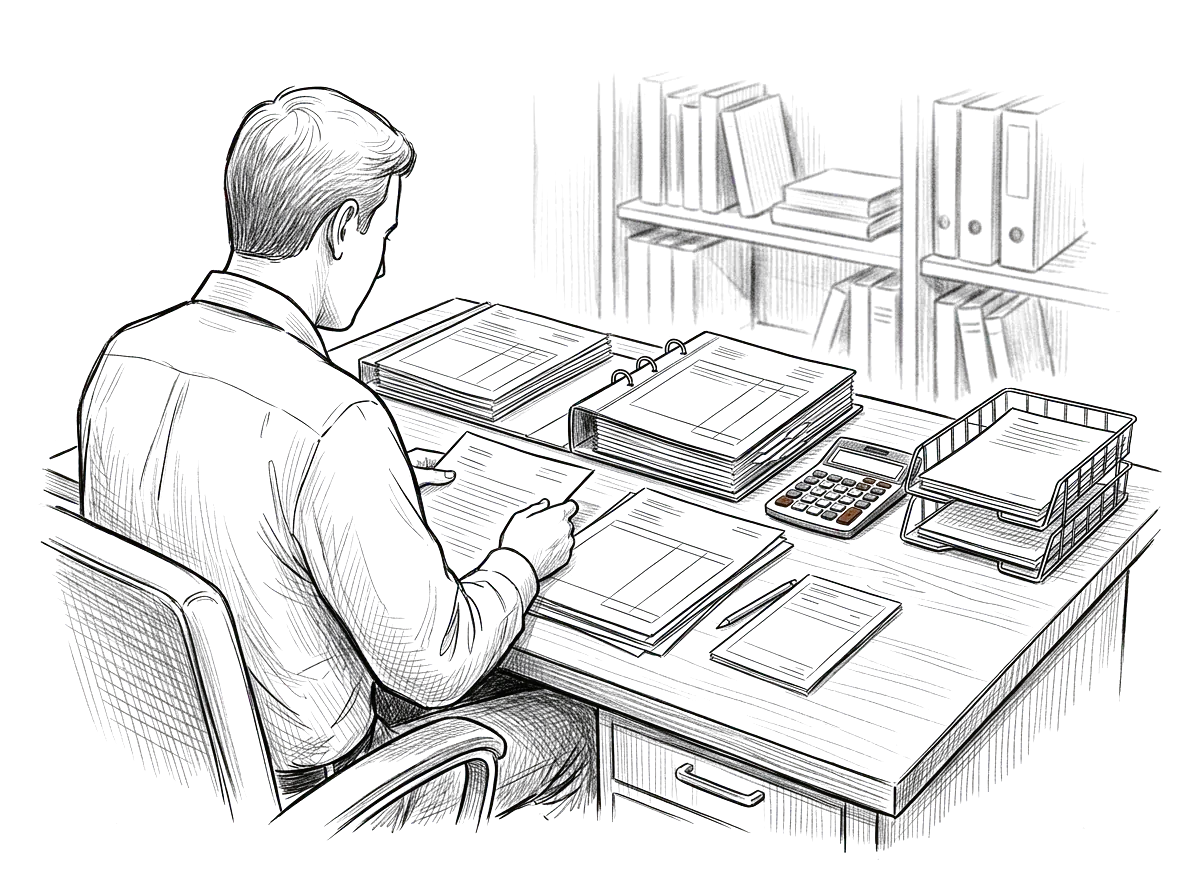
Make the information around revenue-cycle work easier to use.
Billing teams work across policies, payer requirements, documentation, internal procedures, status checks, and follow-up.
The environment can organize approved knowledge, support repeatable administrative workflows, help prepare internal summaries, and make information easier for staff to retrieve. Human review and existing billing controls remain part of the process.
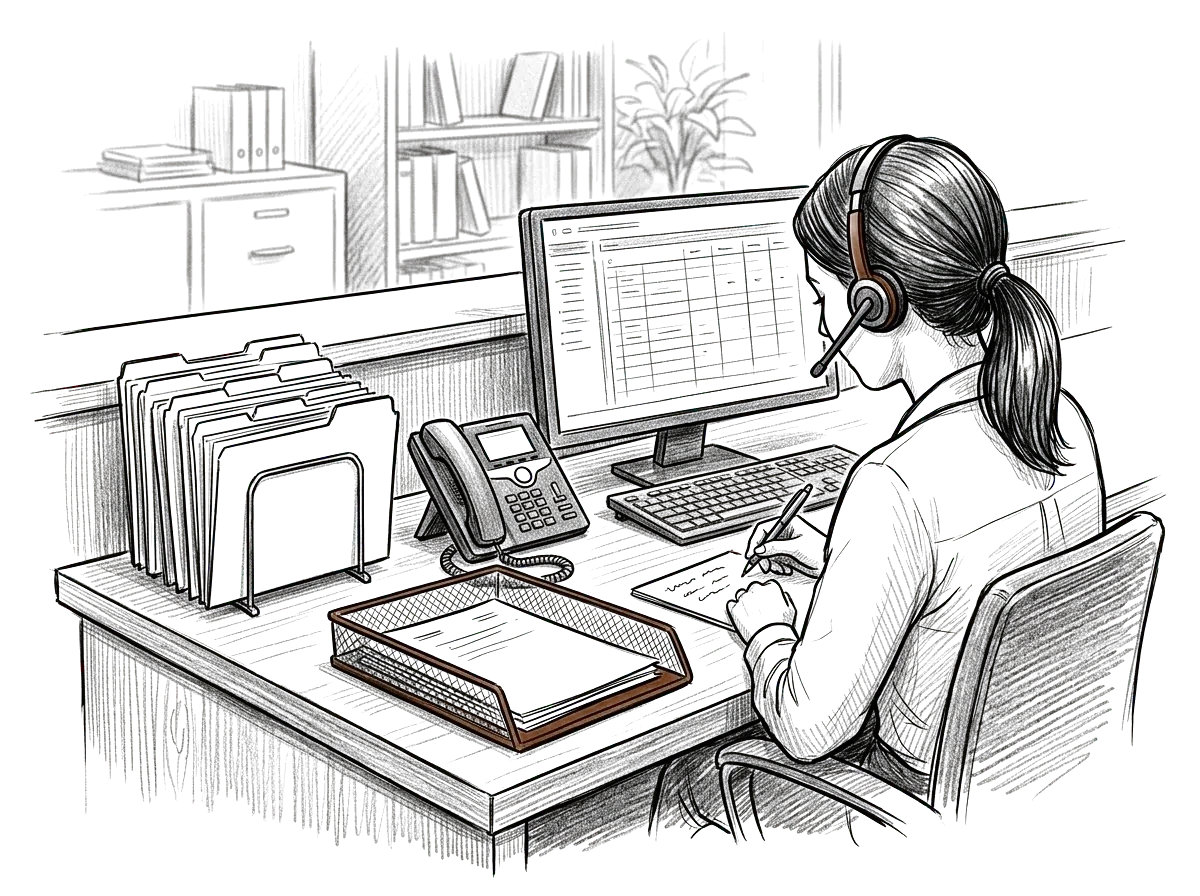
Help staff find what they need without rebuilding context every time.
Patient messages, referrals, records requests, forms, instructions, and follow-up often move through different people and systems.
An AI operating environment can help structure that work around the practice's approved processes, information, and review requirements. Patient care stays with the care team, and the administrative work around them gets more organized.
Imagine taking back the hours spent chasing schedules and giving them to patients.
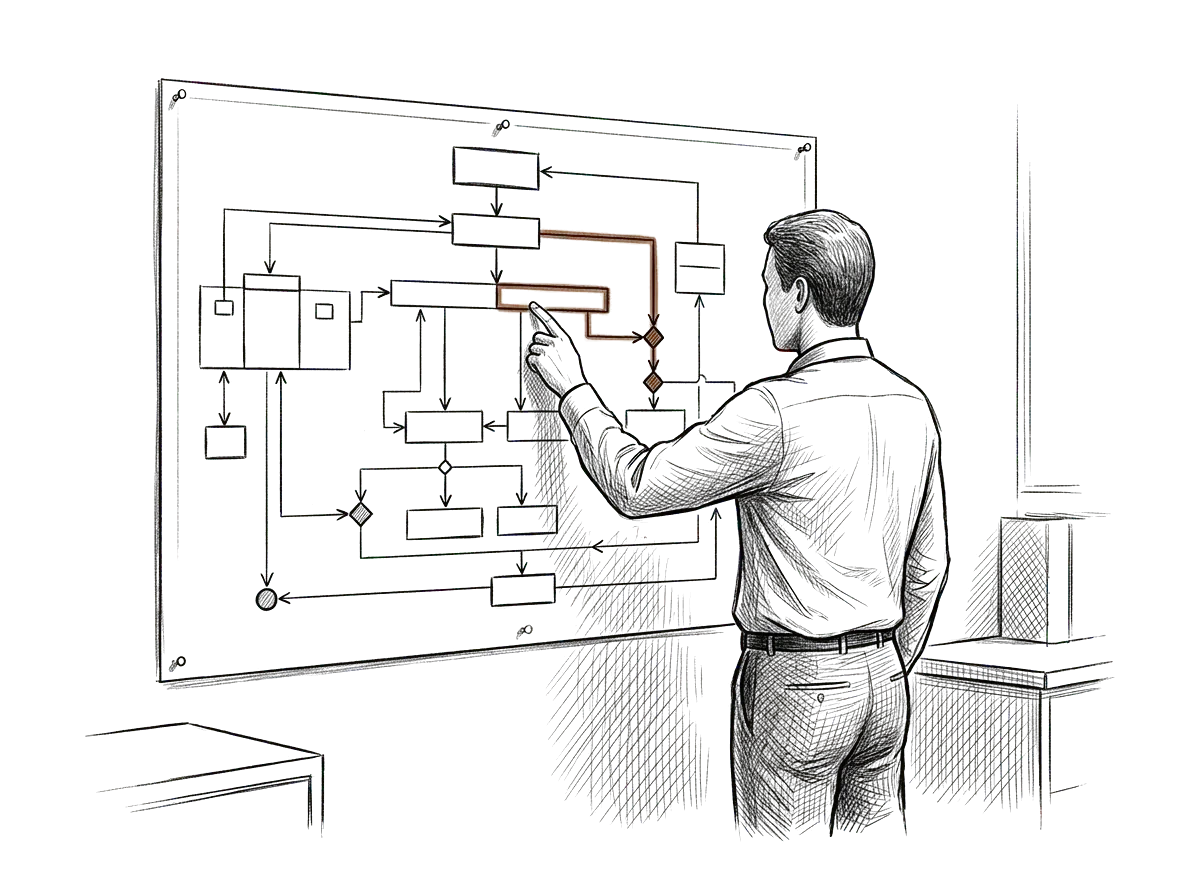
Teach the environment how the practice operates.
We start by understanding:
- who does what
- how scheduling works
- how administrative requests move
- where policies and procedures live
- how staff communicate internally
- which systems contain important information
- what requires human approval
- what information is sensitive
- what work repeats every day
Then we design the environment around the way things really work.
Turn recurring work into a consistent way of working.
Instead of each person working out their own way to use AI, the environment gives everyone the same structure to work from.
Practice context
Approved terminology, policies, procedures, and operating information.
Repeatable workflows
Clear starting points for recurring administrative work.
Shared standards
Instructions and templates that help staff handle similar work consistently.
Human controls
Clear points where a person must review, approve, decide, or take action.
Connect the environment to the information the work depends on.
A useful environment usually needs more than a blank AI account. Depending on the practice, that might include:
- approved policies and procedures
- shared documents
- administrative reference material
- scheduling information
- operational spreadsheets
- internal databases
- business systems
- APIs or integrations
- structured data
- custom software where necessary
We use the lightest architecture that solves the actual operating problem.

Make the environment dependable.
As AI becomes part of the operation, everyone in the practice should know how it's meant to be used.
Who can access which information.
What the environment is allowed to support.
Where staff review is required.
Which information sources are approved.
How outputs are checked.
Who owns changes to the environment.
A good environment is clear, controlled, and practical enough for the team to use every day.
Administrative work becomes easier to navigate.
- Staff spend less time searching for the right procedure or document.
- Recurring administrative work becomes more consistent.
- Important practice context is easier to reuse.
- Handoffs become clearer.
- AI becomes part of the operating environment instead of another disconnected tool.
- Measures worth discussing together, not promised results: days from referral received to a scheduled visit, open prior authorizations by age, and intake forms returned complete.
The practice decides the architecture, and the vendor follows.
We may use OpenAI, Claude, Gemini, Microsoft, or a mix, depending on the practice's requirements, existing systems, access controls, and workflows. We don't sell a platform, so we have no reason to push you toward one.
- OpenAI
- Claude
- Gemini
- Microsoft
Start with the practice. Add only what the work requires.
Workspaces, Projects, instructions, templates, roles, and reusable workflows designed around practice operations.
Approved administrative information organized so staff can work from the right context.
Repeatable structures for scheduling, intake, referrals, records, administrative follow-up, billing support, and internal coordination where appropriate.
Access, permissions, ownership, and review requirements designed around the practice.
Connections to approved systems and information sources when the workflow actually requires them.
Structured data, APIs, databases, or Supabase when the environment needs a reliable backend.
Purpose-built internal tools when configuration and integrations alone aren't enough.
Simple enough for your team to run, and solid enough to count on.
Medical practices already have plenty of systems to maintain, so we add technology only when it earns its place. We ask:
What operating problem are we solving?
What is the minimum environment that solves it reliably?
What can wait until actual usage proves it is needed?
Design with the whole operation in mind, build only what's needed, and grow from what the evidence shows.
The details change from one organization to the next, and the principle stays the same.
Independent practices
Give a smaller team a shared environment for recurring administrative work without adding another complicated system.
Specialty practices
Structure referral, authorization, documentation, communication, and administrative workflows around the needs of the specialty.
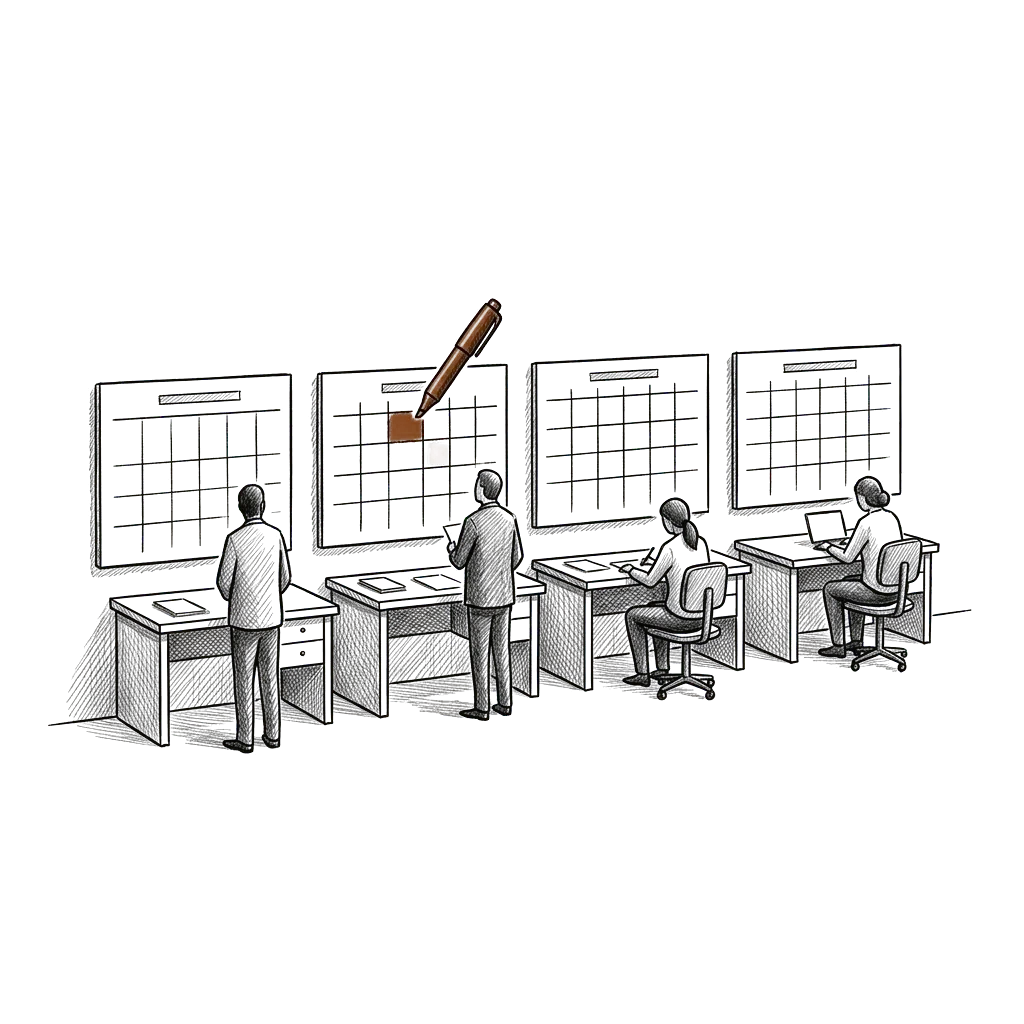
Multi-provider practices
Create more consistent operating standards across providers, staff, and locations.
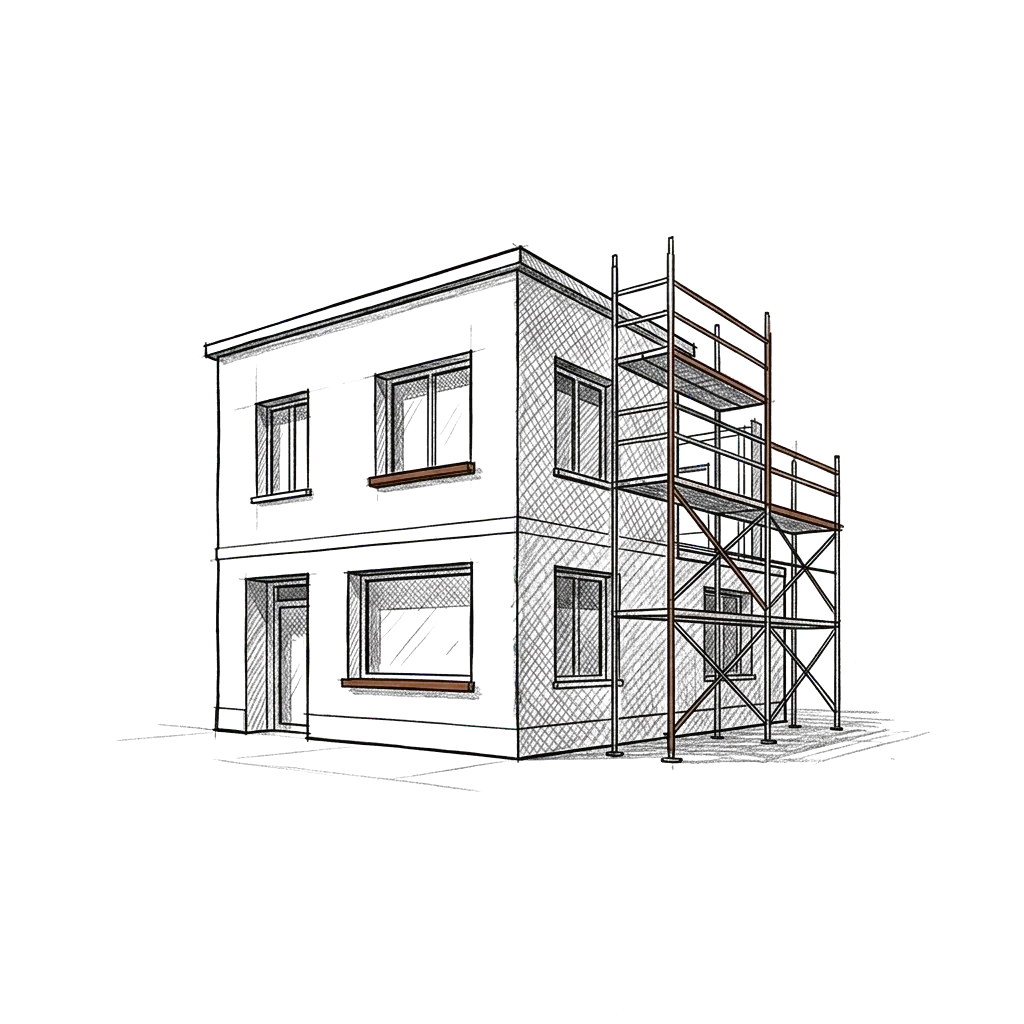
Growing practice groups
Build the environment before operating complexity grows faster than the team can manage it.
We start with the practice, before any demo.
Built from the operation
We start with how staff, providers, information, decisions, and systems actually fit together.
Designed as an environment
Knowledge, workflows, permissions, human review, systems, and technology are treated together.
Built for real use
We validate the environment against the work it is supposed to support.
Designed to stay manageable
We build only the level of complexity the practice actually needs.
We learn the practice, design the environment, and put it into use.
Understand
We learn how administrative work actually moves through the practice and identify the workflows the environment should support.
Architect
We determine the right platform, knowledge, workflows, permissions, controls, and integrations.
Build
Build it yourself, build it with Revuity, or have Revuity implement it for you.
Validate
For full implementations, we test the workflows, information access, permissions, outputs, and required human controls.
Launch
We train the relevant team, prepare the environment for use, launch it, and transfer ownership.
Choose how much of the build you'd like us to carry.
Guided setup · 12 months of library updates
$299
12-Month Plan: $27.41/mo ($328.90 total)
For practices that want the Revuity environment structure and want to build it themselves.
- Environment template
- Guided operating process
- Workflow structure
- Reusable implementation guides
One-time · Self-service · Written for a team
$499
For practices that want an environment written for the whole team, set up on their own.
- Role and responsibility guidance
- Shared workflow instructions
- Decision boundaries
- Documented setup
Bounded setup · Agreed written scope · Design for 1 operation
From $1,199
12-Month Plan: From $1,318.90 total
For practices that want Revuity to lead a bounded setup against an agreed written scope.
- Agreed written scope and acceptance checklist
- Design for 1 operation
- Implementation
- Validation against the checklist
How practices work with us.
AI Operating Environments
An environment built around your front desk, billing, and referral work, with access and review steps set by the practice and clinical decisions left with clinicians. Where recurring administrative work is in scope, we define what starts it, who owns it, and where staff review it. The scope is administrative, and it makes no claim about clinical care or regulatory compliance.
CollabX
For physicians and practice leaders with a product in mind, like a patient intake tool or a specialty scheduling app, we build it with you from a first version to launch.
AI supports the operation. Clinical judgment stays with clinicians.
Revuity Systems designs environments around business and administrative workflows. Where a workflow touches clinical, legal, billing, privacy, or other regulated decisions, the appropriate people, policies, permissions, and review controls remain part of the system.
We don't design environments to make clinical decisions on their own.
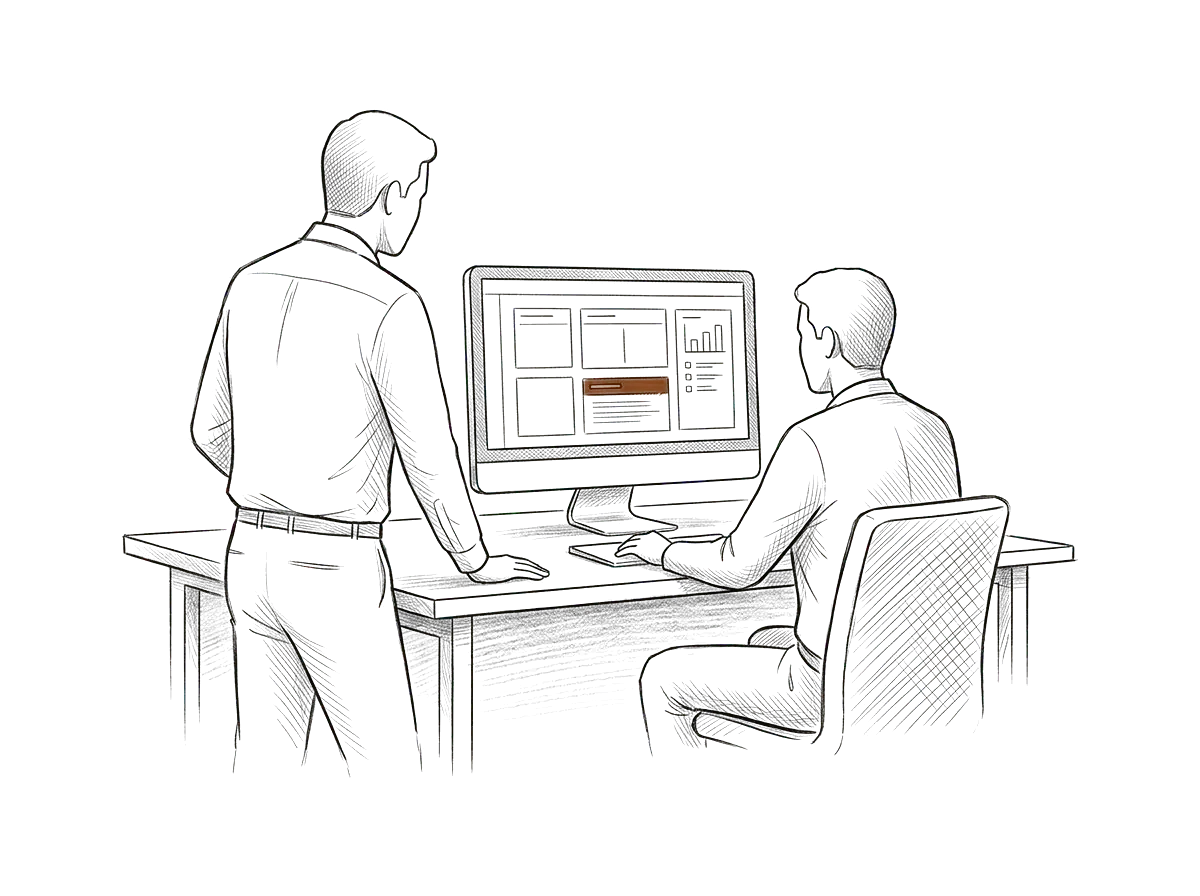
One practice, and one shared place to work from.
A growing multi-provider practice has scheduling procedures in one place, referral instructions in another, administrative policies in shared folders, and staff relying on experienced employees to know how everything fits together.
Revuity maps the recurring work, identifies the information and controls each workflow depends on, and builds an environment around those processes. Staff get a clearer place to start, the practice keeps the systems it already has, and AI becomes a useful layer around the operation instead of one more application to learn.
Build the environment around your practice.
Tell us how your practice actually runs. We'll show you what it would take to build the environment around it.Bought online, with no sales call.