
Build AI around how the firm works, without losing control of the work.
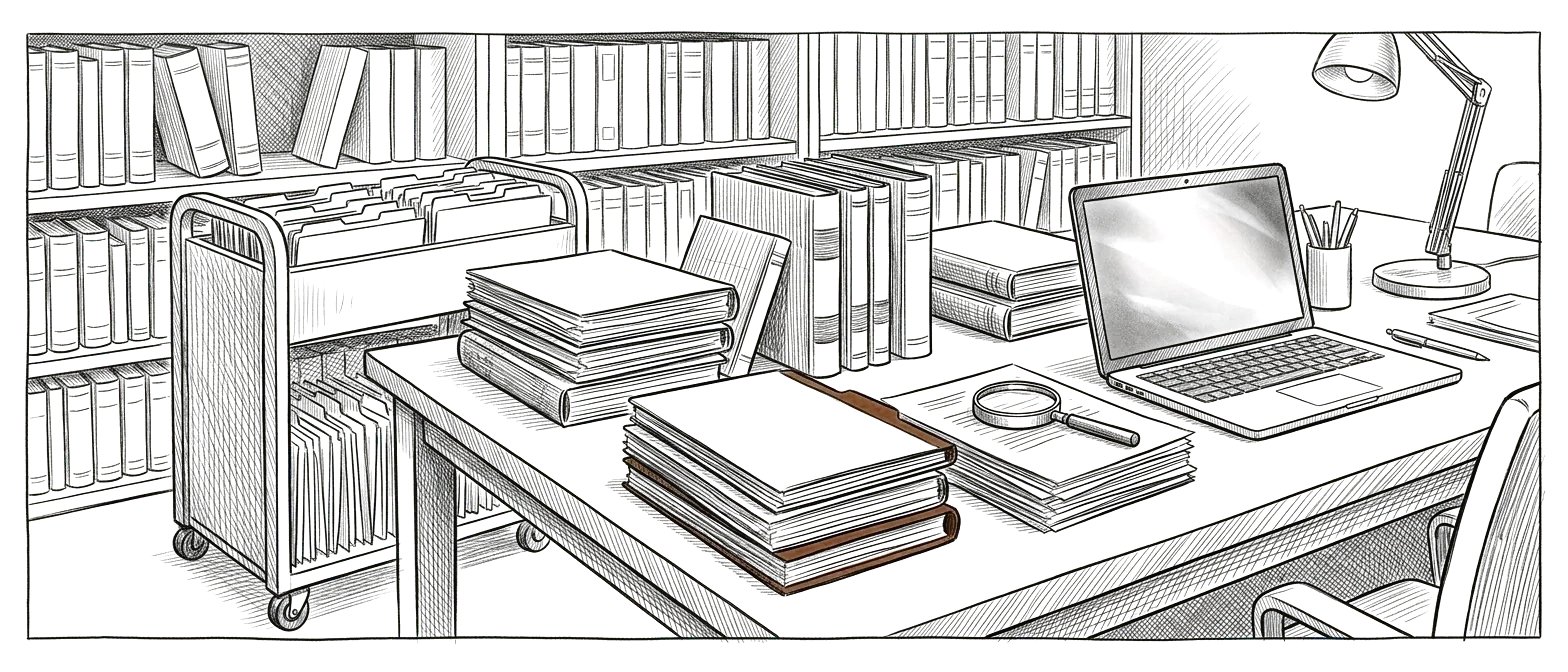


AI is already showing up in the firm. The environment around it usually hasn't caught up.
Attorneys and staff are experimenting with AI on their own. Matter knowledge is scattered, templates live in different places, and firm procedures depend on who's been there longest. Meanwhile client information is sensitive, and legal work still needs professional judgment, review, and accountability.
Giving people access to AI is only the first step. What matters is designing how a firm should use it.
Three areas where structure matters most.
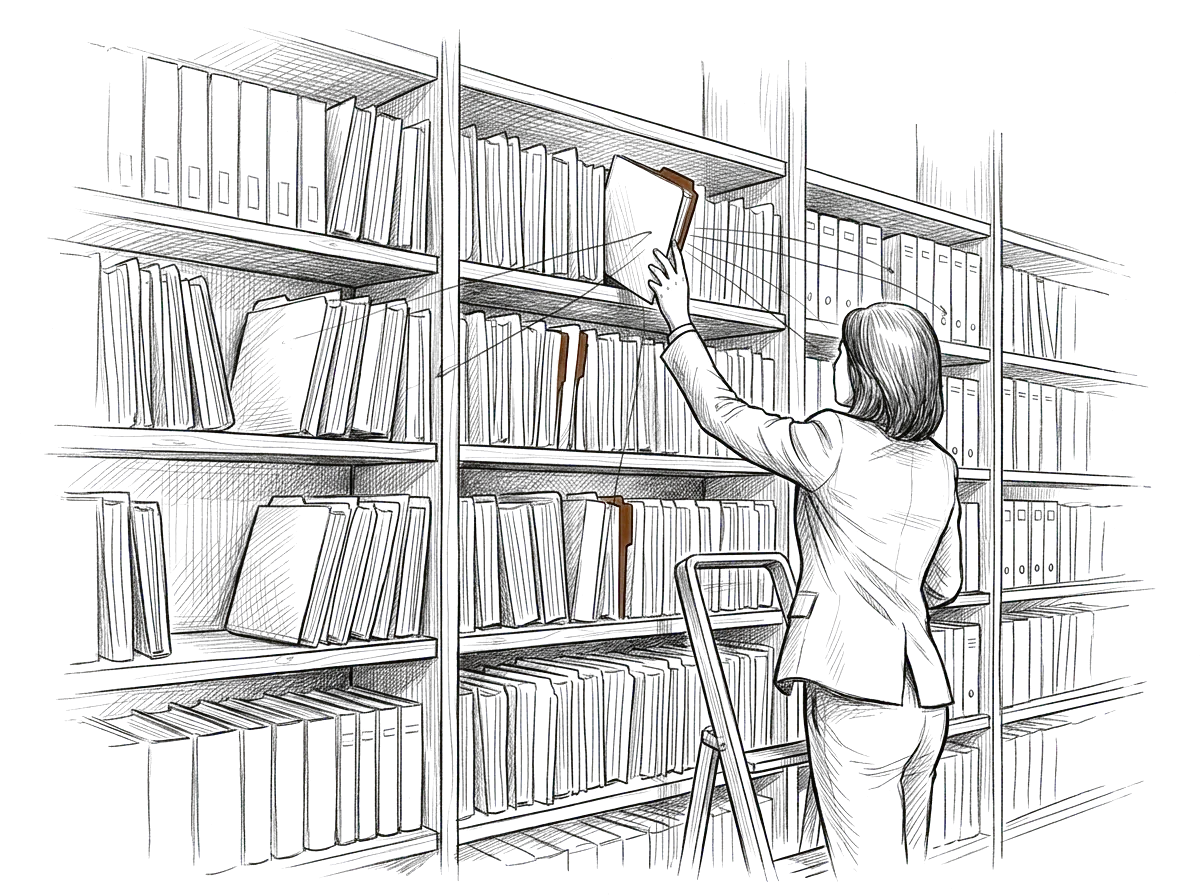
Make approved knowledge easier to use.
Research materials, templates, prior work product, procedures, and matter context can be organized around the people and workflows that legitimately need them.
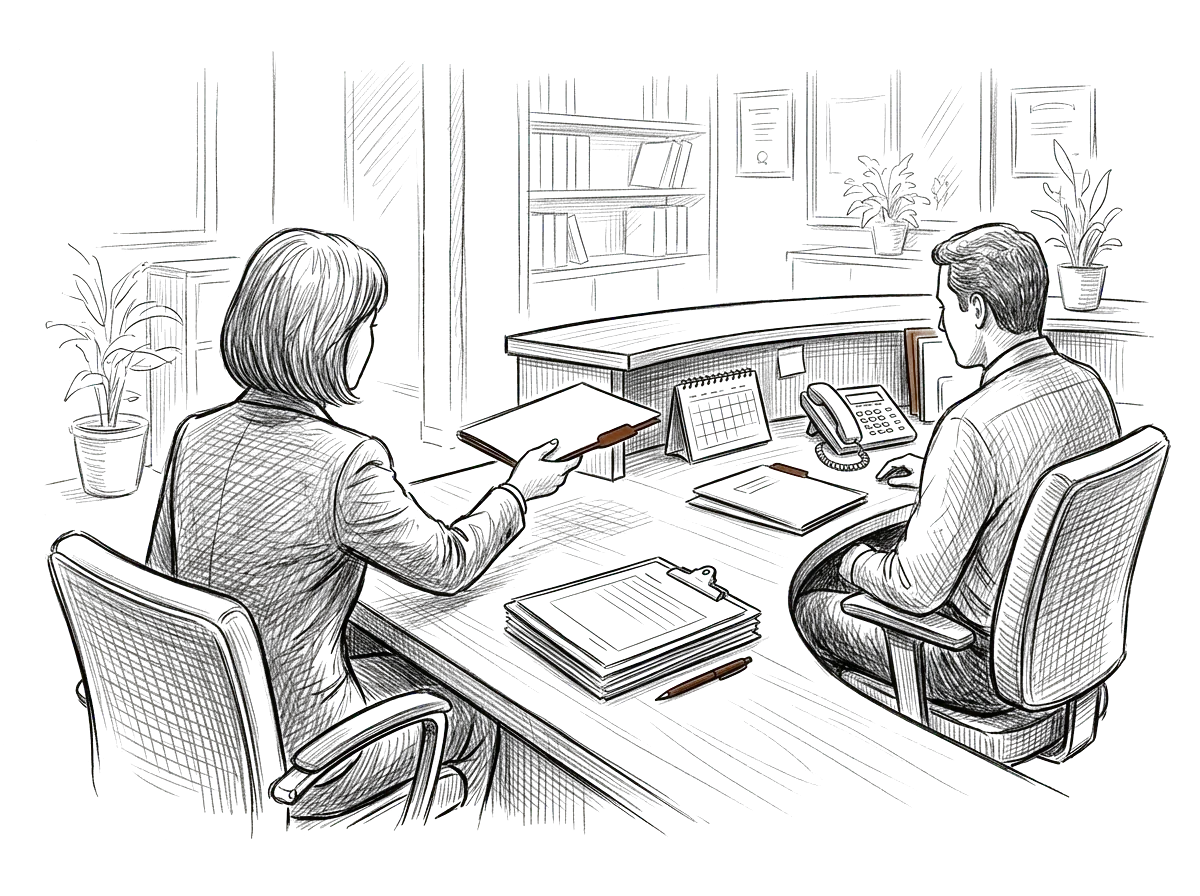
Make recurring administrative work more consistent.
Conflict-related intake steps, engagement preparation, client communication support, internal handoffs, and matter administration can be structured without removing required professional review.
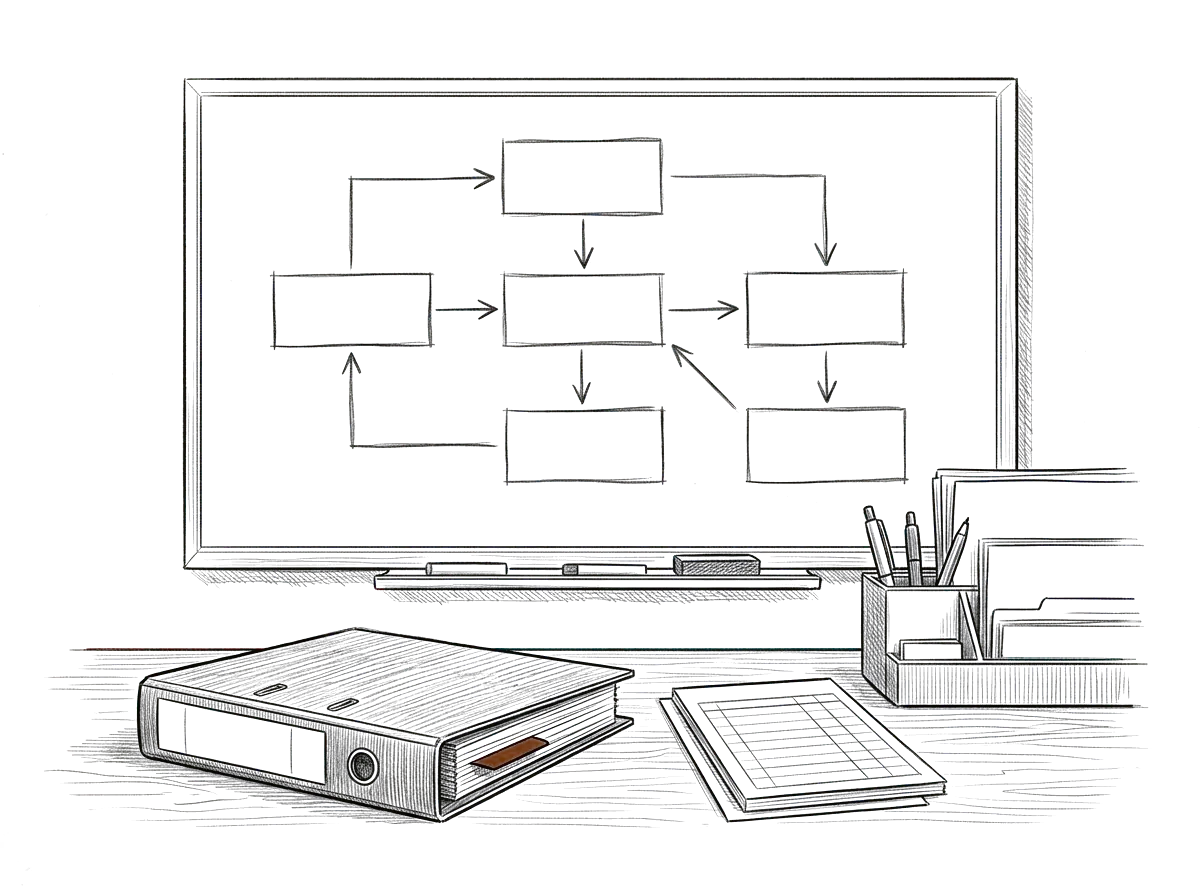
Give staff clearer operating context.
Policies, procedures, onboarding, billing administration, business development, internal knowledge, and recurring firm management can become easier to navigate.
Imagine the firm winning on judgment instead of hours lost reconstructing context.
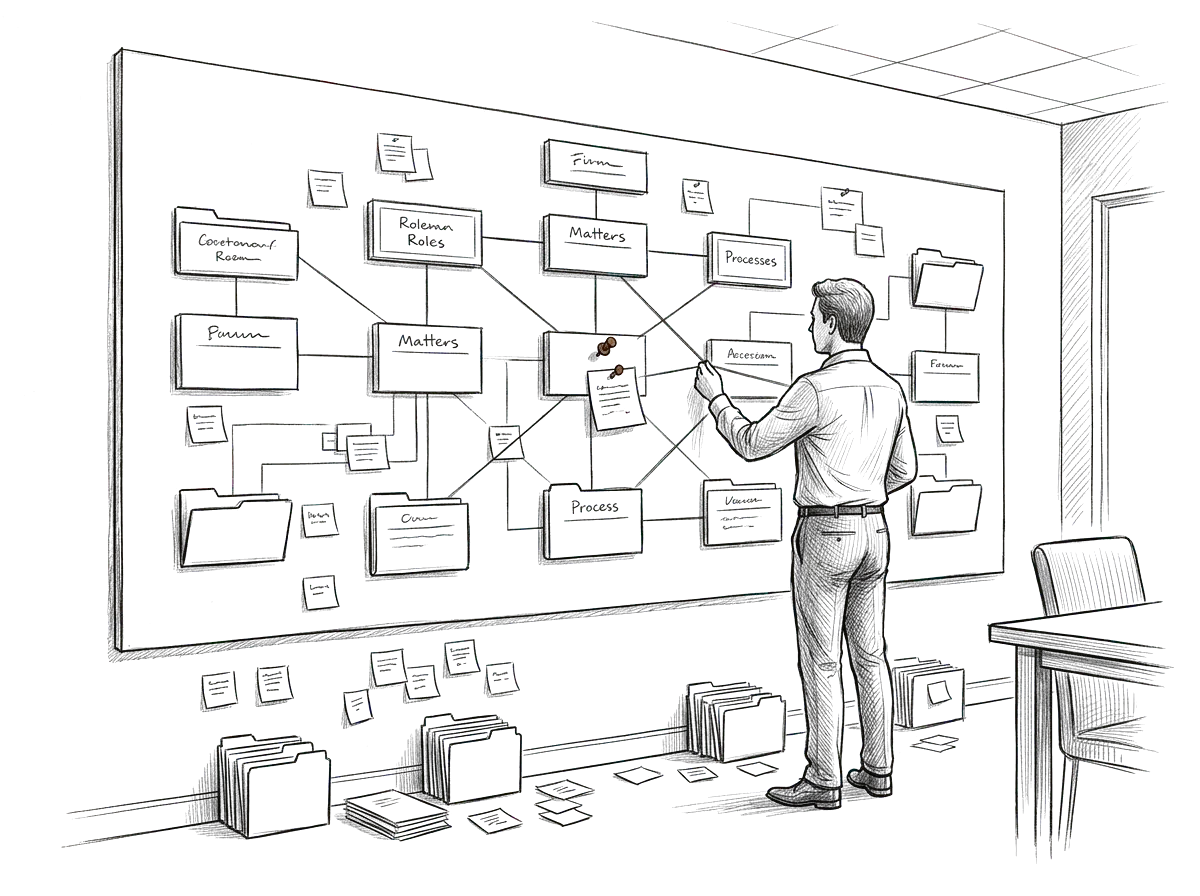
Start with how legal work actually moves through the firm.
We map:
- roles
- matters
- information
- workflows
- approvals
- ethical and professional boundaries
- access requirements
- systems
- client obligations
Then we determine what AI should support and where it should stop.
Separate useful assistance from professional judgment.
The environment can support the work while responsibility stays exactly where it belongs.
Context
Give authorized users access to approved information.
Workflows
Structure recurring work around firm standards.
Review
Keep attorneys and appropriate staff responsible for professional judgment and final outputs.
Access
Keep matter and client information within approved boundaries.
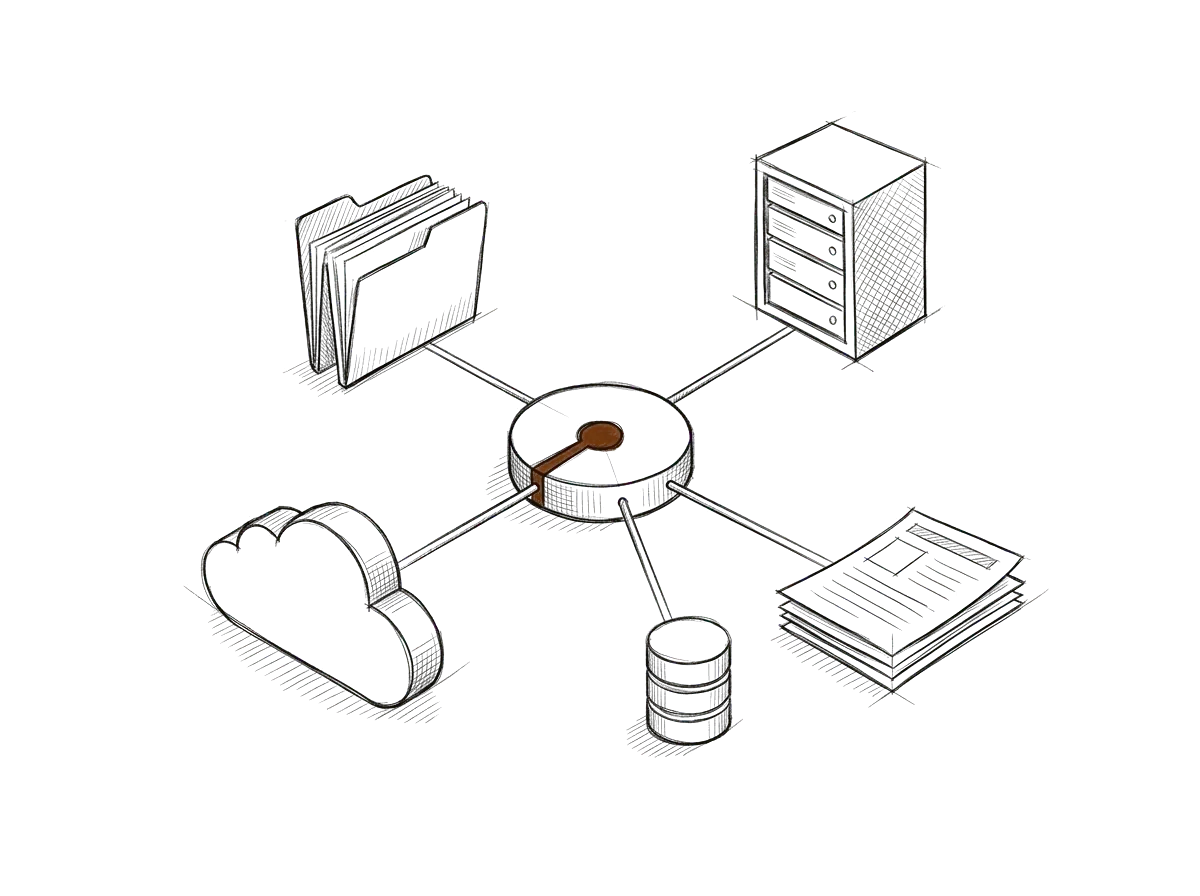
Connect the environment to the right sources, and only those.
Depending on the firm, that may include approved:
- document repositories
- matter-management systems
- knowledge bases
- Microsoft 365
- Google Workspace
- CRM
- internal databases
- templates and precedents
Access follows the firm's actual permissions and responsibilities.
Design governance into the environment.
Who can access client information.
Which sources are approved.
Where attorney review is required.
What the environment must never decide autonomously.
How outputs are checked.
Who owns changes to the system.
Design governance into the environment.
AI becomes easier to use without becoming harder to govern.
- Firm knowledge becomes easier to retrieve.
- Recurring administrative work becomes more consistent.
- Attorneys spend less time recreating context.
- Access is clearer.
- AI use becomes part of a designed environment instead of individual experimentation.
- Measures worth discussing together, not promised results: days from intake to engagement letter, matters waiting on attorney review, and how often prior work product is reused.
Useful never has to mean uncontrolled.
We build the lightest environment that supports the work while preserving the professional, ethical, security, and review requirements that matter.
Simple enough for your team to run, and solid enough to count on.
We learn the firm, design the boundaries, and build the environment.
Understand
We learn the workflows, information, responsibilities, and systems involved.
Architect
We design knowledge, permissions, workflows, controls, and platform choices.
Build
The environment is configured around the firm's operating model.
Validate
For full implementations, access, workflows, outputs, and human-review controls are tested.
Launch
Users are trained and the environment moves into controlled use.
Choose how much of the build you'd like us to carry.
Guided setup · 12 months of library updates
$299
12-Month Plan: $27.41/mo ($328.90 total)
For firms that want the Revuity environment structure and want to build it themselves.
- Environment template
- Guided operating process
- Workflow structure
- Reusable implementation guides
One-time · Self-service · Written for a team
$499
For firms that want an environment written for the whole team, set up on their own.
- Role and responsibility guidance
- Shared workflow instructions
- Decision boundaries
- Documented setup
Bounded setup · Agreed written scope · Design for 1 operation
From $1,199
12-Month Plan: From $1,318.90 total
For firms that want Revuity to lead a bounded setup against an agreed written scope.
- Agreed written scope and acceptance checklist
- Design for 1 operation
- Implementation
- Validation against the checklist
Ten workflows for law firms, $75.
One plugin set carries the operational flow of the work. Each workflow organizes, tracks, drafts or flags, and a person makes the decision.
- 01
Matter intake
Organizes a new matter's facts and documents and lists the conflict-check items for the attorney.
- 02
Deadline and docket tracking
Keeps the deadlines for each matter in one view, with a prompt ahead of each one.
- 03
Client status updates
Drafts a plain-language update from the matter notes for the attorney to review.
- 04
Document request tracking
Tracks what each client owes, when it was asked for and when it arrived.
- 05
Engagement letter prep
Fills the firm's standard engagement terms from intake for attorney review.
- 06
Time entry cleanup
Turns rough notes into draft time entries for the attorney to confirm.
- 07
Billing and collections follow-up
Lists unpaid invoices by age and drafts the reminders.
- 08
Discovery organization
Sorts received documents and keeps a log of requests and responses.
- 09
Lead and referral follow-up
Tracks each inquiry and drafts the reply a person sends.
- 10
Matter close-out checklist
Walks through each closing step: final bill, file return and retention date.
$7510 workflows
One purchase, all ten workflows for this industry.
The ways firms work with us.
For attorneys with a legal product in mind, like a client portal or a practice tool, we build it with you from a first version to launch.
CollabX Premium Website
$1,600one-time
A custom-designed website built around your brand, from your existing site or from nothing, with every page written and polished to read well.
CollabX Product Launch
$9,500one-time
We take the product past a first version and get it ready to launch: a production-ready core, deployment, the integrations it needs, agent-ready access where the product needs it, sign-in, payments where they make sense, testing, and launch preparation.
Claude Forward Deployed Engineering
$125/hr40-hour minimum, plus a one-time $1,200 set-up fee
A Revuity engineer works inside your business to build with Claude where your work actually happens.
AI supports legal work. Legal judgment stays with lawyers.
Revuity Systems builds the operating environment.
Attorneys and authorized firm personnel remain responsible for legal analysis, client advice, professional obligations, confidentiality, and final decisions.
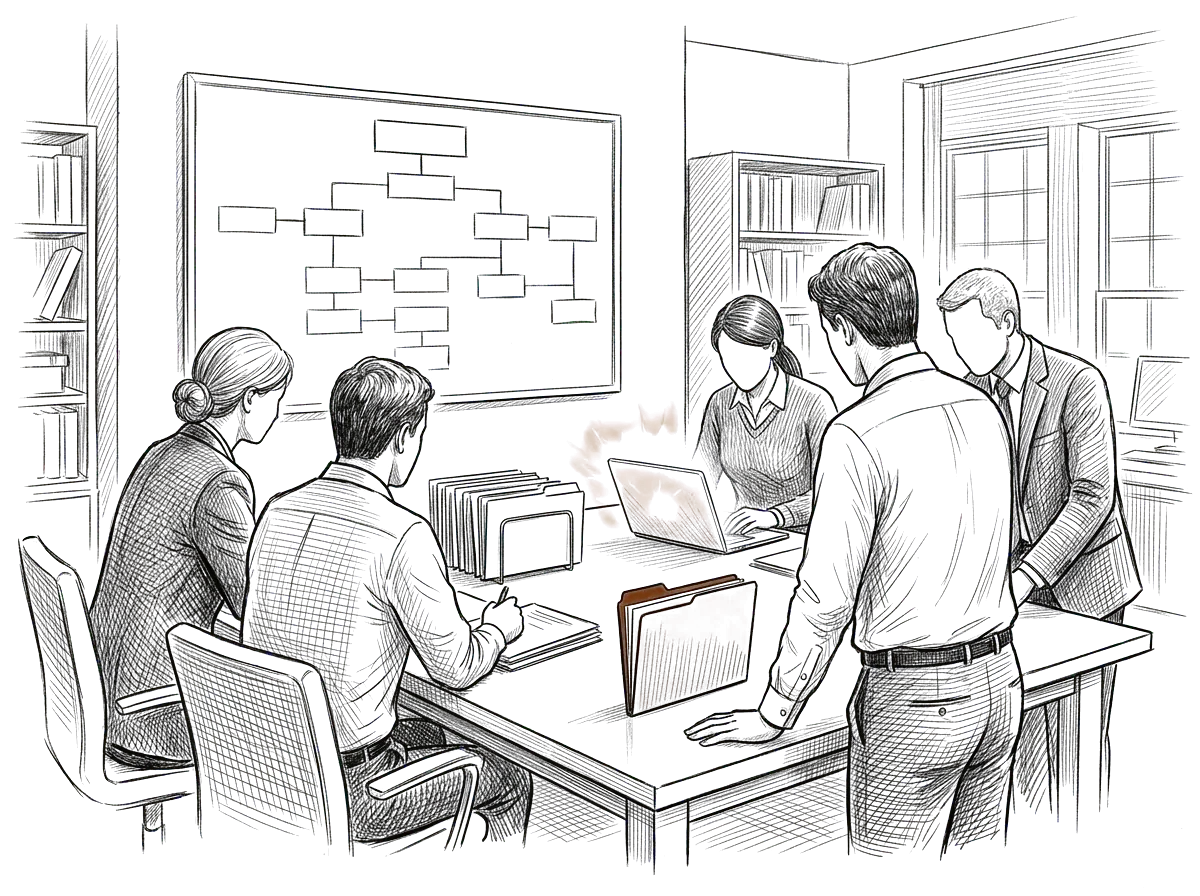
One firm, with shared standards and carefully limited access.
A growing firm has attorneys using AI differently, templates scattered across systems, matter knowledge difficult to reuse, and no consistent approach to what information belongs in an AI operating environment.
Revuity maps how the firm works, defines the appropriate boundaries, and builds an environment where authorized users can work from approved knowledge and repeatable workflows without treating every matter or user as identical.
From scattered productions to one system.

Independent Film & TV Production Company
An independent film and TV production company ran every production as its own improvised effort. Scheduling, crew and vendor coordination, budgets, and deliverables lived across email, spreadsheets, and group texts, and all of it got rebuilt from scratch each time. The people were capable, there was just no structure that carried over. Revuity Systems mapped how a production actually moves from pre-production through wrap, then designed and built the operating environment with their team, so the structure carries from one production to the next.
They came back to work with Revuity Systems again after the first build.
Questions, answered.
Build the environment around how the firm works.
Tell us how your firm actually operates. We'll show you what it would take to build the environment around it, without blurring professional responsibility.Bought online, with no sales call.